
For agency account managers
Know which client decision your next handoff depends on.
Keep your own client-facing Follow-ups clear: the feedback you need, the promise you made, and the next decision to pass back to your team.
7-day trial for genuinely new accounts, or a 30-day trial with a valid active Referral ID. View access and pricing.
Do not mistake a pile of comments for a final decision
A client may send suggestions in several messages. Before asking a designer to revise again, identify the one decision still needed: the headline, the image selection or the wording to use.
Record that question as a Follow-up with the client Person. Waiting on them means you need their response; it does not mean the whole agency project has stopped.
Make the next handoff explicit
When the client confirms a decision, Record outcome. If you now need to pass it to your delivery team, that next step belongs to you. Keep the actual assignment and delivery schedule in the team's existing project tool.
A planned Review or Send action helps you remember your intention. Use Record action only after you have actually reviewed or sent something outside SaathKaam.
Separate decisions with different outcomes
Approval of a campaign headline and confirmation of an event date need not share one giant Follow-up. Separate them when their next steps, dates or resolution criteria differ.
Before the next client conversation, review the relevant Timeline. Record what changed without copying an entire chat transcript into every update.
An individual follow-up workspace—not a shared team board
This example is for an account manager tracking their own interactions. It does not promise multi-user assignments, a client portal, proofing links or automatic reminders sent to clients.
Choose SaathKaam for the small client decisions between your existing tools, not to replace team project management or your creative review system.
Try the model
Confirm the campaign headline
As the account manager, you have two headline suggestions from Meera and a question from your designer. You need Meera’s final choice before the next revision.
Synthetic scenario. Names, work and checkpoints are fictional.
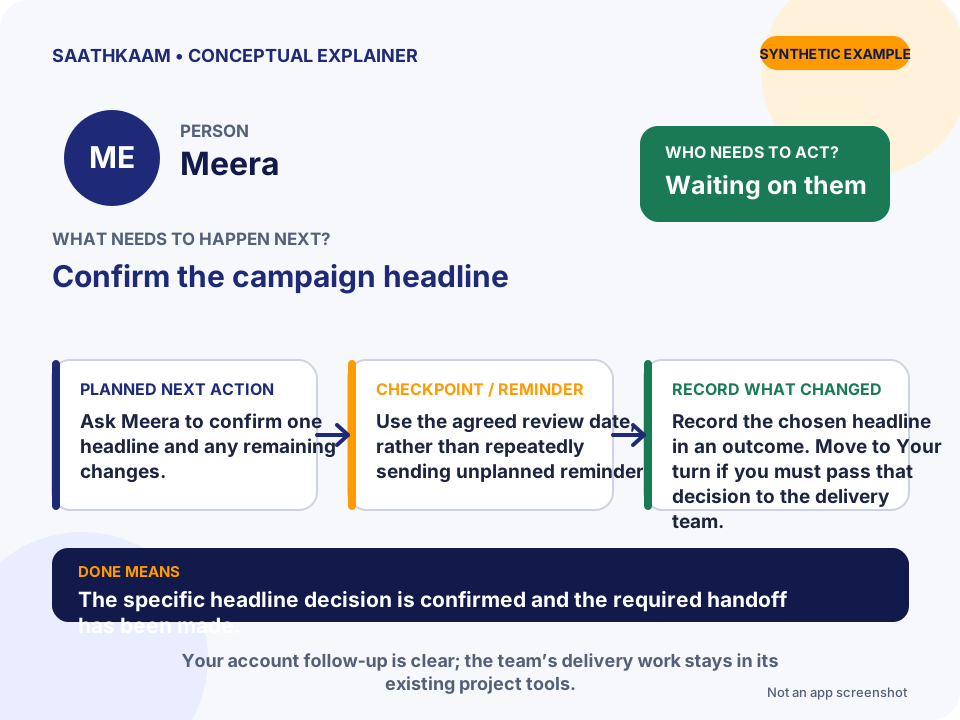
- Who
- Meera
- Follow-up
- Confirm the campaign headline
- Whose turn
- Waiting on them
- Planned next action
- Ask Meera to confirm one headline and any remaining changes.
- Target date / Reminder
- Use the agreed review date, rather than repeatedly sending unplanned reminders.
- What changes in the Timeline
- Record the chosen headline in an outcome. Move to Your turn if you must pass that decision to the delivery team.
- What Done means
- The specific headline decision is confirmed and the required handoff has been made.
Choose one unfinished interaction.
Think of someone you are waiting for—or a promise you still need to keep. Add that Person and one clear Follow-up. Leave optional details until they are useful.
Try SaathKaam on Web