
A practical first-use guide
One person. One next step. A clear way back.
Start small. Record the unfinished interaction you are most likely to forget, then update it when something meaningful changes.
7-day trial for genuinely new accounts, or a 30-day trial with a valid active Referral ID. View access and pricing.
Capture only what you need
Add the Person, then write a short Follow-up such as “Send the revised estimate.” Choose Your turn or Waiting on them and save. Use the optional relationship or reference to recognize the person; you do not need to build a detailed contact profile.
More options is for useful context, not a form you must complete. Additional details can explain why the item matters. A type can help group similar Follow-ups.
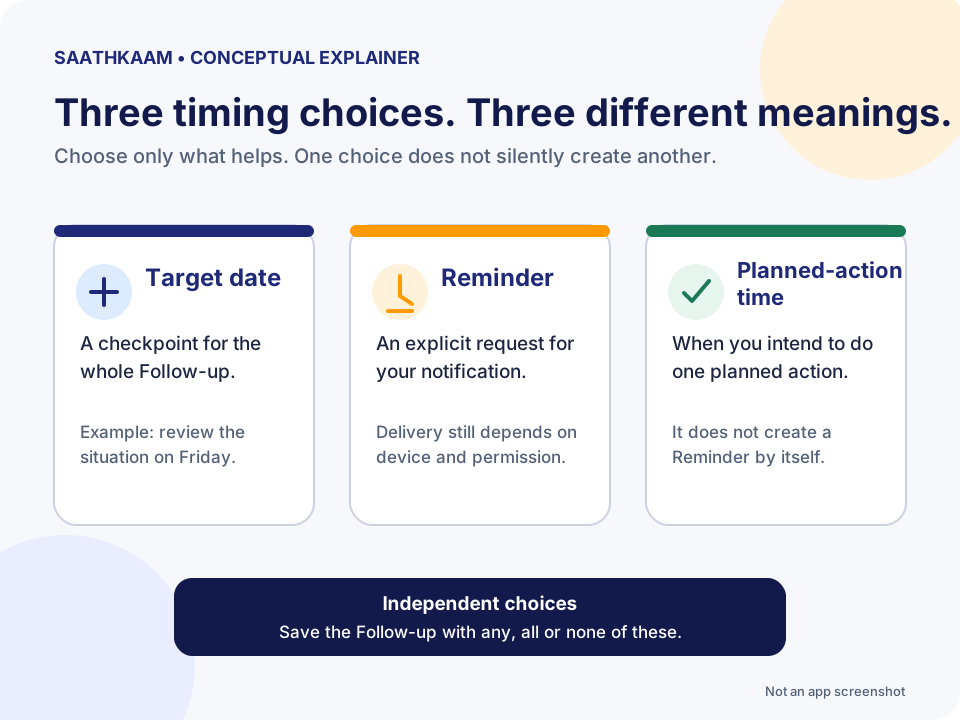
A Target date, a Reminder and a plan are different
A Target date is when you would like the whole Follow-up resolved or reviewed. A Reminder is a separate request for a notification. You can save a Follow-up without either.
Planned actions describe what you intend to do, such as Review, Call or Send. You can keep more than one plan with optional timing or notes. Adding a time to a planned action does not silently create a Reminder, and choosing Call does not place a call.
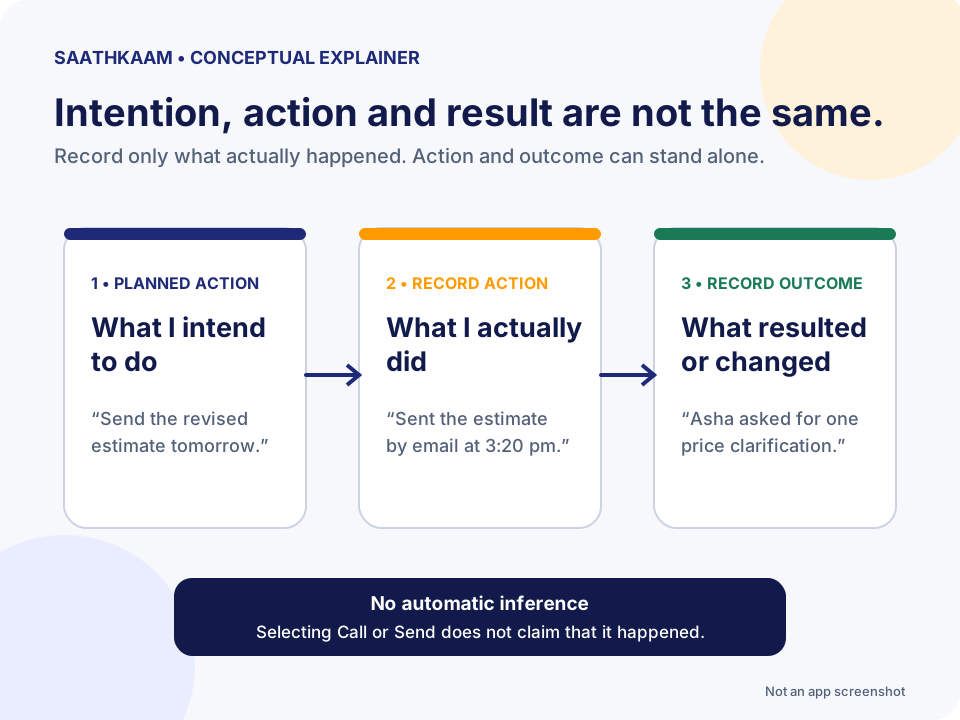
Record what happened—not what you hoped happened
Record action answers “What did I actually do?” Record outcome answers “What resulted, or what did I learn?” You can use either independently. Sending an email and receiving approval are not the same event.
The Timeline brings meaningful updates and changes together. Additional details are editable background context, not a transcript of every message. Open the Timeline before contacting someone again to recover the useful history.
A calm working-day rhythm
At the start of the day, look at Your turn and time-sensitive Follow-ups. Before a call, check the Person and the relevant history. After a conversation, record a new promise or the actual outcome while it is still clear.
At the end of the day, check that important unfinished items have a sensible next step. Do not copy every task into SaathKaam. Keep projects, files and messages in the tools that already serve them.
Use reminders deliberately
A saved Reminder and a device’s ability to show notifications are separate. Delivery needs a supported device or browser, permission and an enabled, ready notification setup. Web reminders may arrive several minutes after the selected time; do not use them for time-critical safety tasks.
Turning off notifications on one device does not erase the Follow-ups’ reminder intent. The confirmed Cancel all reminders action clears reminders while preserving Follow-ups and their history.
Done means this particular request is resolved
If you promised to send an estimate, that send-only Follow-up can be Done after you send it. If you still need an acceptance decision, track that as its own next step or update the scope clearly.
You can reopen a Follow-up when the same matter becomes active again. Duplicating starts a new draft with the Person, type and main content—not the previous history or planned actions.
Try the model
Send the revised estimate
After a call, you promise Asha an updated estimate. Sending it is your task; deciding whether to accept it is a different next step.
Synthetic scenario. Names, work and checkpoints are fictional.
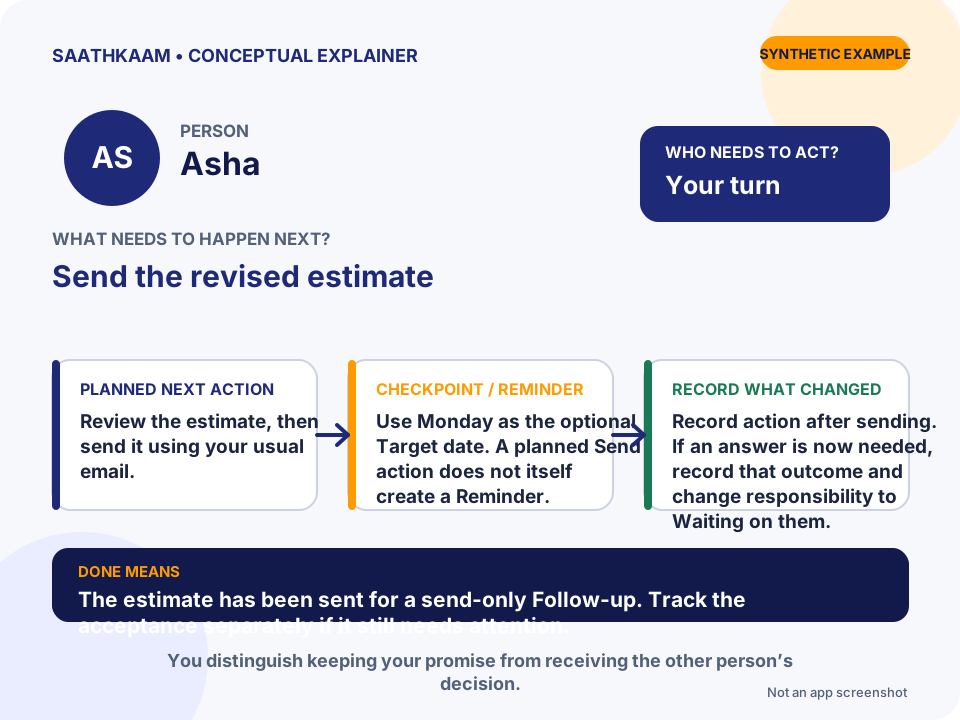
- Who
- Asha
- Follow-up
- Send the revised estimate
- Whose turn
- Your turn
- Planned next action
- Review the estimate, then send it using your usual email.
- Target date / Reminder
- Use Monday as the optional Target date. A planned Send action does not itself create a Reminder.
- What changes in the Timeline
- Record action after sending. If an answer is now needed, record that outcome and change responsibility to Waiting on them.
- What Done means
- The estimate has been sent for a send-only Follow-up. Track the acceptance separately if it still needs attention.
Choose one unfinished interaction.
Think of someone you are waiting for—or a promise you still need to keep. Add that Person and one clear Follow-up. Leave optional details until they are useful.
Start now